Selecting the right free typing tests online is essential for accurately measuring your keystroke velocity and error recovery mechanics. A web browser provides an instant, universal interface for benchmarking typing speed. However, not all web-based testing engines calculate output identically. Significant differences in text composition, event-loop handling, and error penalties create wide variations across platforms.
Raw speed metrics mean little without standardized measurement parameters. An inflated 90 WPM score on a simplified lowercase wordlist often collapses to 60 WPM when transcribing technical syntax or formal prose. In this technical guide, we evaluate modern web testing architectures, analyze browser input latency bottlenecks, compare top testing engines, and detail how to leverage telemetry data to systematically increase your typing performance.
Browser Telemetry: How Free Typing Tests Online Capture Keystrokes
Modern browser-based typing engines rely on the JavaScript Event Loop to register input timing. When you depress a key, the browser dispatches a hardware event through the operating system into the browser engine.
Accurate web testing platforms utilize the KeyboardEvent.code property rather than older character-code lookups. This captures the physical key location on your keyboard matrix regardless of software layout alterations.
// High-Resolution Browser Keystroke Telemetry Loop
document.addEventListener('keydown', (event) => {
    const timestamp = performance.now(); // Microsecond-precision timing

    const strokeData = {
        physicalKey: event.code,
        character: event.key,
        exactTimeMs: timestamp,
        interKeystrokeInterval: timestamp - previousTimestamp
    };

    telemetryBuffer.push(strokeData);
    previousTimestamp = timestamp;
});
The primary technical vulnerability in free web tests is Main Thread Starvation. If a website runs bloated third-party advertisement scripts or heavy background analytics, the JavaScript main thread stutters. This causes DOM input latency, dropping keystrokes during rapid rolling bursts exceeding 120 WPM.
To establish your verified baseline on a clean, low-latency testing engine, take a diagnostic run on the TypingPulse Speed Test.
💡 Pro Tip: Run typing tests in a clean browser window with all grammar checkers and translation extensions disabled. Extensions that parse text input fields in real time inject substantial event-handling lag that artificially deflates your calculated WPM.
Feature Comparison: The Leading Free Typing Tests Online
Different online testing platforms serve contrasting analytical purposes. Understanding their underlying design philosophies helps you select the right tool for your specific training goals.
The table below summarizes the technical specifications of major web testing platforms:
| Platform Primary Text Engine Telemetry & Analytics Visual UI Architecture Primary Trade-off / Bottleneck | ||||
| TypingPulse | Standardized prose, code syntax, custom wordsets | Sub-millisecond latency, IKI heatmaps, Net WPM | Smooth caret tracking, zero ad clutter | Requires modern Chromium / WebKit browser. |
| Monkeytype | Customizable word pools (English 200 to 10k) | Comprehensive live graph, burst metrics | Minimalist canvas / smooth DOM scrolling | Default mode lacks real punctuation and capitalization. |
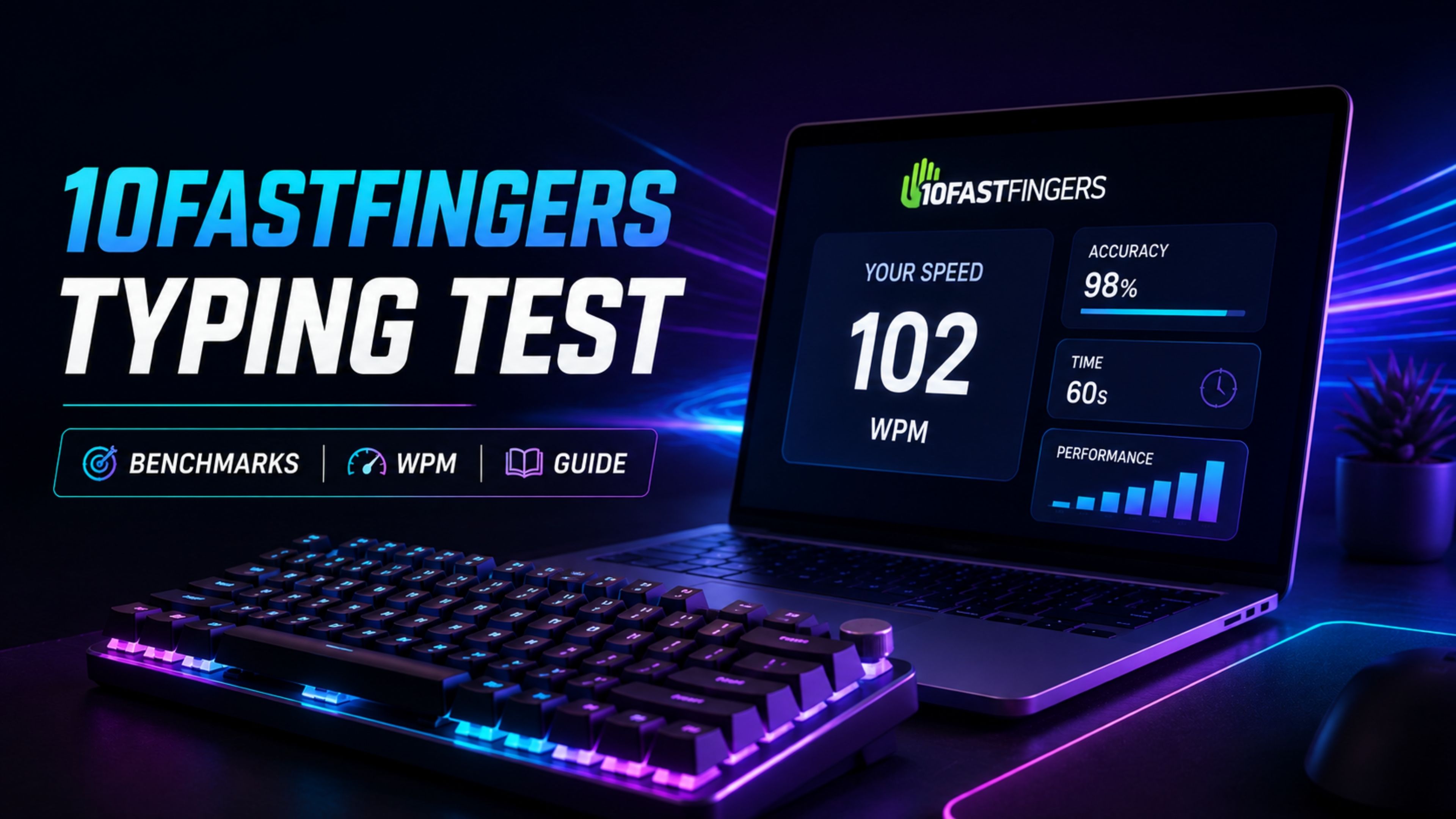
| 10FastFingers | Fixed 200-word randomized array | Basic Gross/Net WPM, word-level error count | Two-line jumping word box | Line-wrap jumps create visual saccade delay; heavy ads. |
| TypeRacer | Published literature quotes | Race completion speed, accuracy percentage | Multiplayer racing track visualization | Mandatory error correction halts forward progress entirely. |
| Keybr | Markov-chain generated pseudo-words | Individual finger proficiency curves | Static text line with phonetic progression | Nonsense words do not train real-world semantic chunking. |
Before diagnosing technique flaws from test results, confirm that your keyboard hardware registers all simultaneous keystrokes cleanly with our Online Keyboard Tester.
Text Mode Variability: Why Scores Fluctuate Across Platforms
A frequent point of confusion among typists using free typing tests online is why their scores fluctuate wildly between different websites. The cause lies in the lexical complexity of the underlying text generator.
1. Simplified Wordlists (English 200)
Tests utilizing only the top 200 English words consist of short, high-frequency terms like with, that, and from. Because these words contain no capital letters or punctuation, finger travel is confined to the middle and home rows. This mode inflates apparent speed by 15% to 25% above real-world writing capacity.
2. Punctuated Literature and Quotes
When tests introduce quotation marks, semicolons, capital letters, and numbers, physical execution demands change instantly. Actuating the Shift key with an opposing pinky alters the entire physical hand angle, adding 80 to 120 milliseconds of latency per capitalized word.
3. Code and Symbol Heavy Blocks
Programming syntax tests place extreme stress on the number row and right-pinky symbol cluster ({}, [], =>, ()). Speed typically drops by 35% on code blocks due to the lateral reach required to hit brackets and operators.
To systematically train your hands for complex punctuation and symbol layouts, work through the sequential drills in our Typing Academy Lessons.
"A testing platform should challenge your weakest finger reaches, not flatter your ego with simplified lowercase word loops."
Hardware and Latency Bottlenecks in Browser-Based Testing
While web applications execute code rapidly, physical hardware properties establish the ultimate boundary conditions of your typing score.
- USB Polling Latency: A standard 125 Hz office keyboard introduces up to 8 milliseconds of input jitter. A 1000 Hz gaming board reduces this delay to 1 millisecond.
- Switch Travel Depth: Full 4.0mm mechanical switches require greater vertical travel time than low-profile 1.5mm scissor switches, though mechanical switches offer clearer tactile actuation points.
- Display Refresh Rates: Running tests on a 144Hz or 240Hz monitor reduces visual motion blur on smooth-scrolling carets, allowing your eyes to track upcoming characters more effectively.
If you notice inconsistent switch actuation during tests, run a hardware scan to detect electrical switch chatter or broken membrane contacts.
Transforming Online Test Diagnostics into Lasting Speed
Taking tests without analyzing your resulting metrics leads to frustrating performance plateaus. Use the diagnostic output from online tests to build a structured deliberate practice routine.
- Identify Inter-Keystroke Interval (IKI) Spikes: Review your telemetry graphs. Look for recurring pauses exceeding 250 milliseconds. These pauses reveal specific letter transitions where your motor memory hesitates.
- Enforce a 97% Accuracy Rule: If your accuracy drops below 97%, immediately drop your speed by 10 WPM. Fast, inaccurate typing habituates bad motor pathways that take weeks to correct.
- Target Weak N-Grams: Isolate your recurring errors and practice them in dedicated drills within our Interactive Typing Practice arena.
💡 Pro Tip: Limit diagnostic testing to ten minutes per day. Spending hours taking test after test creates mental fatigue and leads to aggressive backspace mashing. Spend 80% of your time on structured drills and 20% on benchmarking tests.
Summary: Data-Driven Keyboard Competence
Using free typing tests online provides valuable, real-time insights into your keyboard fluency. By understanding how browser telemetry operates, avoiding ad-induced input lag, and testing on realistic punctuated text, you can establish an accurate benchmark of your true typing capability.
Prioritize accuracy, analyze your diagnostic data, and use structured practice to convert raw benchmark scores into effortless, high-speed productivity across all your daily workflows.
Frequently Asked Questions
Key answers regarding touch typing, benchmarks, and techniques
Wahab Wahab
Typing & Tech Specialist
Written by typing trainers and keyboard specialists dedicated to helping students and developers achieve touch typing mastery, ergonomic comfort, and competitive WPM speeds.