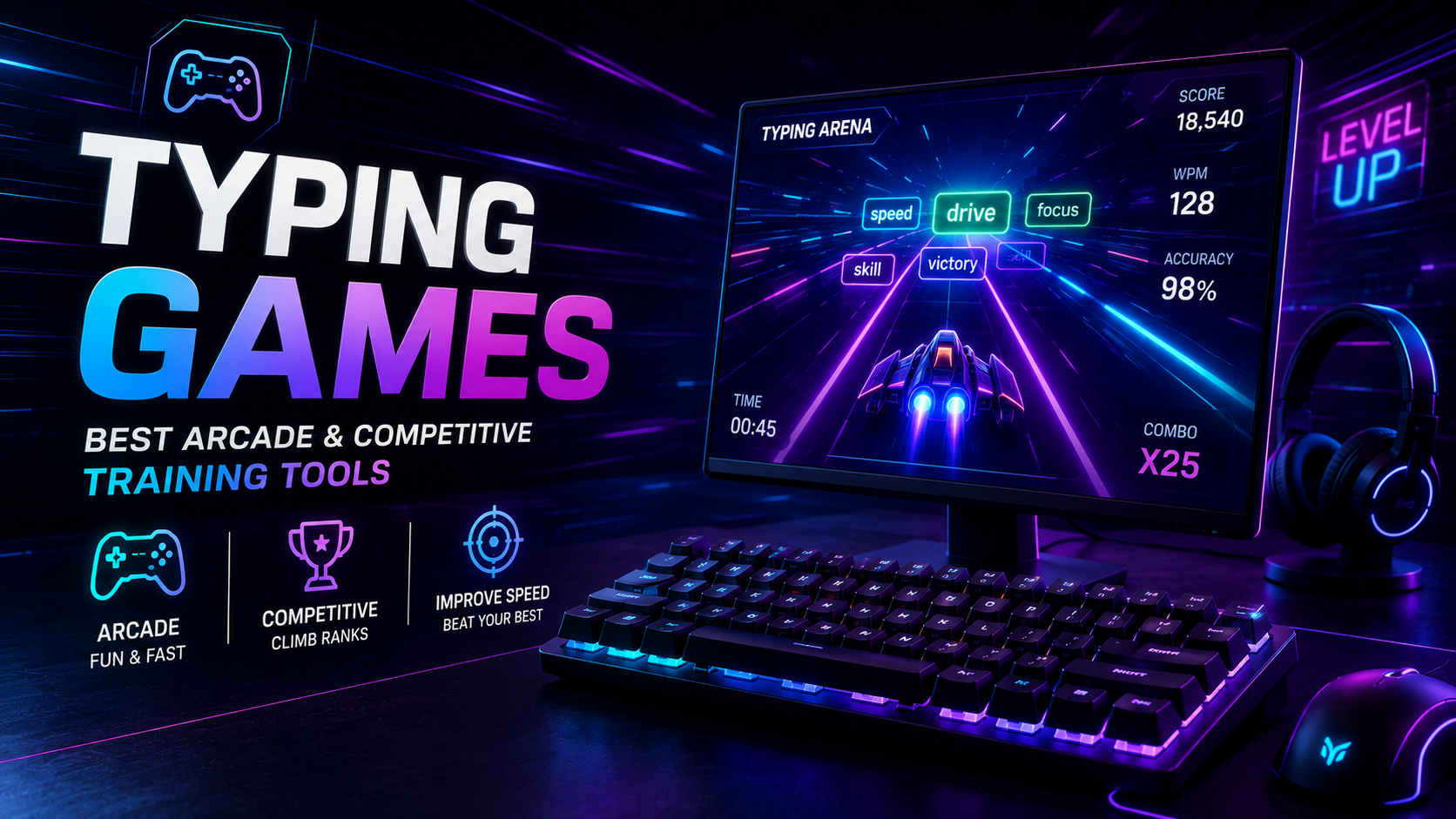
Playing modern typing games transforms mechanical keyboard drills into engaging motor learning sessions. For decades, software developers have used gaming mechanics to teach touch typing. From arcade shooters destroying falling asteroids to live multiplayer drag races, gamification introduces real-time pressure that tests your keystroke automaticity. However, unguided gaming can easily backfire without strict technique discipline.
Gamified typing represents a trade-off between engagement and biomechanical precision. When players chase high scores under intense timer pressure, they frequently abandon proper finger assignments to mash keys with dominant fingers. In this comprehensive review, we evaluate major gaming categories, analyze cognitive split-attention bottlenecks, and outline a hybrid training regimen that builds lasting speed without sacrificing accuracy.
Taxonomy and Mechanics: How Different Typing Games Train Motor Skills
Not all keyboard games serve the same pedagogical purpose. Different game designs emphasize distinct aspects of keystroke kinematics, ranging from raw word recognition to complex punctuation management under stress.
The table below breaks down the primary genres of keyboard games and their specific motor learning trade-offs:
| Game Category Representative Titles Core Mechanics Primary Training Benefit Pedagogical Trade-off / Risk | ||||
| Competitive Racers | TypeRacer, Nitro Type | Real-time multiplayer text races; cars advance on correct strokes. | High-speed pacing; realistic punctuation and capital letters. | Race anxiety induces panic errors and erratic backspacing. |
| Arcade Shooters | ZType, The Typing of the Dead | Typing words destroys incoming missiles or enemy sprites. | Rapid word-shape visual acquisition; fast burst reflexes. | Isolated single words only; lacks syntax and paragraph flow. |
| Narrative RPGs | Epistory, Nanotale | Exploration, combat, and puzzle solving driven by typing inputs. | High immersion; long-session endurance without boredom. | Low keystroke density per hour due to cutscenes and traversal. |
| Rhythm Action | Rhythm Doctor, Keybored | Keys must be actuated in precise synchronization with audio beats. | Builds even inter-keystroke intervals (cadence stability). | Fixed tempo limits typists from developing maximum raw velocity. |
Before testing your reflexes in fast-paced arcade titles, benchmark your baseline speed under neutral conditions on the TypingPulse Speed Test.
💡 Pro Tip: When playing competitive racing games like TypeRacer, deliberately ignore the opponent cars on your screen. Watching your competitors trigger visual distractions that disrupt your forward reading lookahead buffer. Focus entirely on the text box.
The Gamification Trap: When Typing Games Sabotage Accuracy
While typing games provide excellent motivation, their core mechanics can actively degrade your typing technique if approached improperly. The primary culprit is the Cognitive Split-Attention Effect, documented extensively in multimedia learning research by Sweller and Mayer.
In standard typing, your visual gaze remains locked on upcoming text. In arcade games, your attention is split across multiple visual channels:
Arcade Game Cognitive Overhead Pipeline:

[Visual Field]   --> [Tracking Enemy Sprites]  (Consumes 35% Visual Attention)
                 --> [Monitoring Health Bar]   (Consumes 15% Visual Attention)
                 --> [Reading Target Word]     (Only 50% Visual Attention Remaining)

Result: Perceptual eye-hand span drops from 8 characters to 2 characters,
forcing reactive single-letter mashing rather than fluid motor chunking.
When a falling missile approaches the bottom of the screen in games like ZType, players panic. To avoid game-over screens, typists frequently drop their pinky fingers from the home row and stab at keys using only their index and middle fingers. Repeating this panic response across hundreds of game sessions ingrains terrible spatial habits that ruin everyday typing speed.
"Games test your ability to execute motor skills under pressure. They do not teach the physical mechanics of those skills in the first place."
Hardware Verification for Fast-Paced Arcade Input
High-speed arcade games require rapid, multi-finger input rolls. If your hardware suffers from matrix blocking or switch ghosting, your clean strikes will fail to register during intense combat sequences.
Common hardware bottlenecks in fast gaming sessions include:
- Key Rollover (KRO) Limitations: Cheap office keyboards often feature 2-Key Rollover (2KRO), meaning the keyboard drops the third key pressed during a fast roll sequence.
- Switch Debounce Noise: Worn mechanical switches can generate electrical chatter, firing two inputs on a single strike and instantly failing an arcade game streak.
- USB Polling Jitter: Inconsistent USB polling creates micro-stutters in keystroke registration timing.
Verify that your keyboard handles complex key combinations without dropped characters by running a full diagnostic sweep on our Online Keyboard Tester.
Integrating Typing Games into a Serious Training Protocol
To capture the motivational benefits of keyboard games without suffering technique degradation, adopt a structured 70/30 Hybrid Protocol. Devote 70% of your practice time to structured deliberate drills and 30% to gamified stress testing.
- Technique Phase (15 Minutes): Work through strict finger-assignment lessons in our Typing Academy Lessons. Enforce a mandatory 98% accuracy floor with zero glances at the keyboard deck.
- Application Phase (10 Minutes): Practice real-world prose paragraphs containing numbers and punctuation in our Interactive Typing Practice arena.
- Stress-Testing Game Phase (10 Minutes): Launch your favorite arcade or racing title. Use the game as a dynamic pressure test to see if your newly formed home-row muscle memory holds up under time constraints.
💡 Pro Tip: Set a personal rule in racing games: if your accuracy drops below 95% in a match, immediately step away from the game for five minutes. Do not allow your brain to normalize high-speed sloppy typing.
Evaluating the Best Standalone Typing Games
If you want to incorporate high-quality standalone games into your routine, focus on titles that emphasize mechanical discipline:
1. Epistory: Typing Chronicles
A beautifully crafted action-adventure game where every interaction—from dialogue to combat and puzzle solving—is controlled via typing. The game features an adaptive difficulty engine that speeds up enemy spawns as your WPM climbs, keeping you at the edge of your skill level.
2. TypeRacer
The definitive competitive multiplayer benchmark. Because you type real literature passages and cannot proceed past mistakes without backspacing, it enforces strict error-correction discipline during live races.
3. The Typing of the Dead: Overkill
A classic B-movie style arcade rail shooter where players blast zombies by typing bizarre phrases. It provides excellent training for rapid sight-reading and unexpected vocabulary bursts.
Summary: Balancing Fun with Motor Precision
Incorporating typing games into your training routine adds excitement and pressure-testing to your motor skill development. When used strategically, games build rapid sight-reading reflexes and break the monotony of repetitive exercises.
Always treat games as an assessment tool rather than your primary teacher. Anchor your hands firmly on the home row, protect your accuracy baseline, and use structured practice to turn high-score gaming reflexes into effortless professional typing speed.
Frequently Asked Questions
Key answers regarding touch typing, benchmarks, and techniques
Wahab Wahab
Typing & Tech Specialist
Written by typing trainers and keyboard specialists dedicated to helping students and developers achieve touch typing mastery, ergonomic comfort, and competitive WPM speeds.