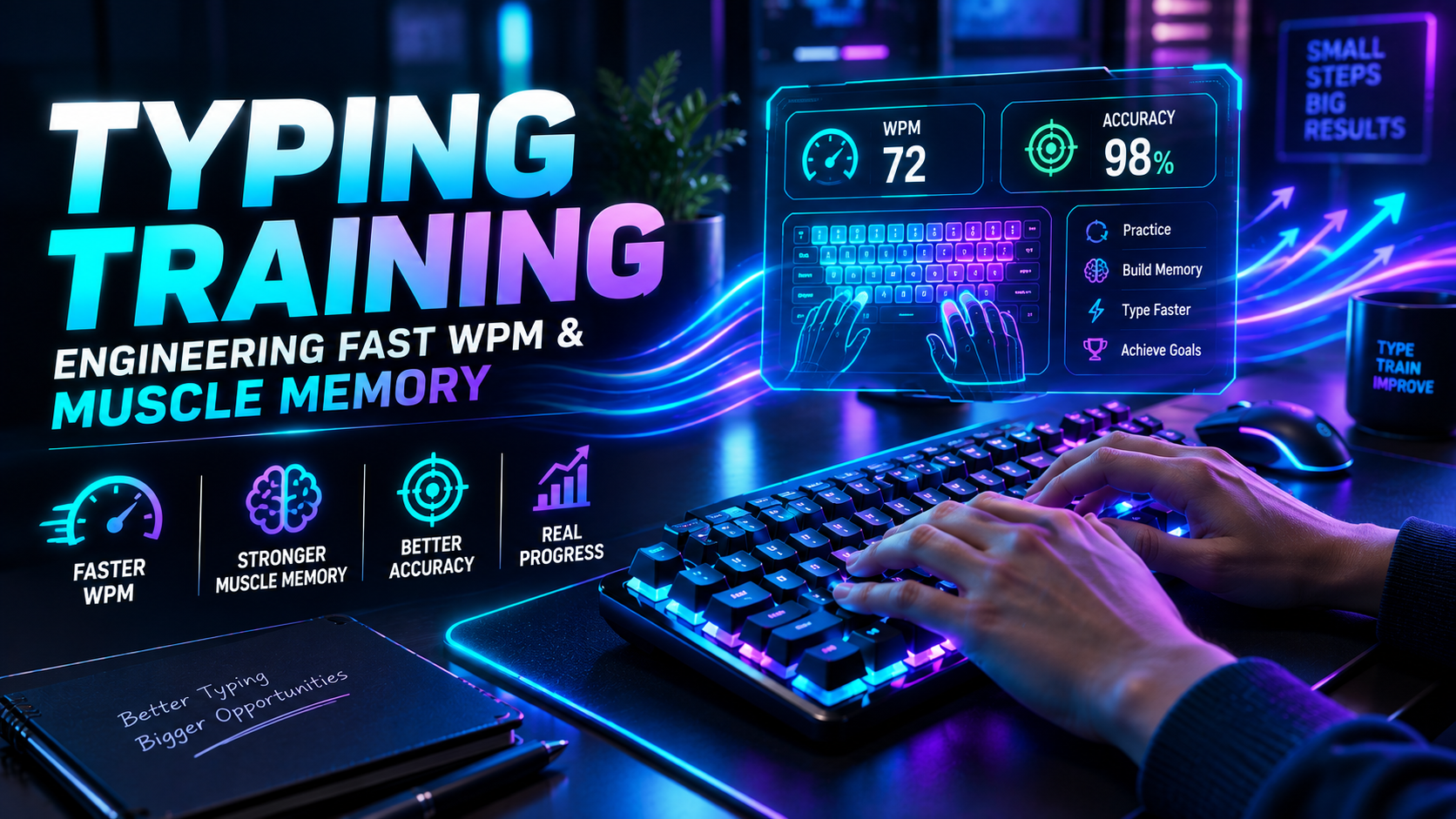
Mastering how to improve typing speed and accuracy requires treating keyboard input as a specialized neuromuscular motor skill. Most typists hit an early performance plateau between 40 and 55 words per minute (WPM). They hit this ceiling because they attempt to move their fingers faster without restructuring their underlying keystroke mechanics. True progress demands deliberate error suppression, spatial finger discipline, and optimized hardware feedback.
Raw speed is easy to simulate in short bursts. Consistent, error-free output across a full workday is substantially harder. If your error rate climbs above 3%, the mathematical cost of backspacing erases your velocity gains. In this technical manual, we break down motor chunking, eye-hand span buffers, tactile actuation dynamics, and structured drills designed to push your baseline past 80+ WPM.
The Neurological Foundation: How to Improve Typing Speed and Accuracy
Human typing operates via a dual-loop cognitive architecture first detailed by Logan and Crump (2011). The outer loop processes language, syntax, and sentence structure. The inner loop translates character sequences into ballistic finger movements. When novice typists look down at the keyboard, the inner loop demands active visual attention, creating continuous cognitive bottlenecks.
To break through this limitation, you must transition all spatial positioning to proprioceptive memory. Your fingers must locate keycaps through tactile reference points rather than visual confirmation.
- The Homing Anchor: Index fingers must always return to the raised tactile nubs on the F and J keys. Drifting away from home row induces spatial drift across all fingers.
- Perceptual Eye-Hand Span: Research by Salthouse (1984) showed that elite typists look 4 to 8 characters ahead of the letter they are physically striking. Beginners look directly at the active key.
- Ballistic Stroke Timing: Skilled keystrokes are executed as single, continuous motor impulses rather than separate press-and-release actions.
The practical trade-off is immediate and painful. When you abandon hunt-and-peck habits to establish proper 10-finger mechanics, your speed will temporarily plummet by 40% for the first ten days. You must accept this short-term output penalty to build a higher long-term ceiling.
💡 Pro Tip: Cover your hands with a light cloth or use blank keycaps during your first two weeks of retraining. Eliminating the temptation to glance at the keyboard deck forces your motor cortex to map key distances purely through muscle stretch receptors.
The Mathematics of Error Penalties
Why does accuracy dictate speed? The answer lies in the asymmetric time penalty of correcting mistakes. Striking a correct character takes roughly 80 to 150 milliseconds. Correcting an error requires up to four distinct motor actions across nearly 500 milliseconds.
Consider the complete error recovery lifecycle:
1. Error Execution:          ~100ms  (User strikes wrong key)
2. Error Recognition:        ~180ms  (Visual/tactile feedback registers mistake)
3. Motor Deceleration:       ~120ms  (Halting forward finger inertia)
4. Backspace Travel:         ~150ms  (Right pinky reaches to backspace)
5. Backspace Actuation:      ~90ms   (Striking backspace key)
6. Re-alignment to Home Row: ~140ms  (Hand returns to primary axis)
7. Correct Keystroke:        ~100ms  (Striking intended character)
---------------------------------------------------------------
Total Latency per Error:     ~880ms  (Nearly 1 full second lost)
A typist moving at 90 Gross WPM with 90% accuracy frequently loses the race against a steady 65 WPM typist holding 99% accuracy. The steady typist generates continuous forward momentum without cognitive interruptions.
Before proceeding with complex drills, establish your true baseline net score on the TypingPulse Speed Test to measure both your raw speed and uncorrected error frequency.
Motor Chunking: Moving Beyond Single Letters
Novices type letter by letter. Experts type in multi-character clusters known as n-grams. When your brain processes the word "the", it should not trigger three separate decisions. It should fire a single coordinated three-finger wave.
The progression of motor chunking unfolds across three distinct phases:
| Chunking Tier Cognitive Process Example Units Typical Speed Band | |||
| Level 1: Monograms | Individual letter lookup and strike | t → h → e | 15 – 35 WPM |
| Level 2: Bigrams & Trigrams | Pre-compiled multi-finger sequences | th, er, on, ing, tion | 40 – 75 WPM |
| Level 3: Full Word Units | Single motor burst for entire root words | with, about, would, there | 80 – 120+ WPM |
However, motor chunking introduces a specific failure mode: transposition errors on rare vocabulary. Because your motor cortex becomes heavily optimized for common English bigrams, typing programming syntax or foreign names can cause your fingers to default to familiar English patterns. You must counterbalance regular text practice with symbol-heavy coding drills.
To systematically train your hand for common English bigrams, work through the sequential exercises in our Typing Academy Lessons.
Ergonomics and Hardware Physics
Your physical workstation geometry establishes the biomechanical constraints of your hands. Poor posture causes ulnar deviation, forearm pronation, and tendon friction inside the carpal tunnel, directly slowing finger transit times.
Biomechanical Alignment
Position your elbows at an open angle between 90 and 100 degrees. Keep wrists floating in a neutral, straight line rather than resting them hard against a desk surface. Resting your wrists anchors your hands in place, forcing individual fingers to over-extend to reach top-row numbers.
Switch Mechanics and Actuation Profiles
The switches underneath your keycaps directly influence your muscle fatigue curve. Standard cheap membrane keyboards offer mushy tactile resistance and force complete 4.0mm bottom-outs, causing rapid finger fatigue after 30 minutes of continuous typing.
- Linear Switches (e.g., Red): Smooth descent without a tactile bump. Excellent for speed, but prone to accidental activations if your resting finger discipline is sloppy.
- Tactile Switches (e.g., Brown / Clear): Provide physical feedback at the exact actuation point (around 2.0mm). Ideal for typists learning to stop pressing before bottoming out.
- Magnetic Hall Effect Switches: Allow adjustable actuation thresholds down to 0.1mm. While responsive, setting actuation too sensitive increases typo rates during high-speed text generation.
Run a diagnostic sweep on our Online Keyboard Tester to verify that none of your mechanical switch contacts suffer from key chatter or skipped inputs.
"Ergonomic efficiency is not merely about comfort; it is about minimizing physical transit distance and tendon friction per keystroke."
Deliberate Practice Framework: How to Improve Typing Speed and Accuracy Daily
Mindless typing does not build new motor pathways. Typing standard emails reinforces whatever habits you currently possess, including flawed ones. Real improvement requires deliberate practice: focused, uncomfortable, and targeted at specific micro-failures.
Implement this four-stage daily practice protocol:
- Warm-Up (5 Minutes): Type at 60% of your maximum speed. Focus entirely on light finger strikes, rhythmic cadence, and maintaining a strict 100% accuracy standard.
- Targeted N-Gram Drills (10 Minutes): Identify your three weakest letter combinations (such as p-q, z-x, or b-v). Drill these specific pairs repeatedly until hand hesitation disappears.
- Burst Sprint Training (5 Minutes): Perform 15-second typing sprints on simple, common vocabulary. Push finger speed aggressively to break through psychological tempo ceilings.
- Endurance Cooldown (5 Minutes): Complete a full 3-minute or 5-minute typing test using complex prose with numbers and capital letters, enforcing a 98% accuracy baseline.
You can track your error distribution curves and target specific finger weaknesses in our Interactive Typing Practice arena.
💡 Pro Tip: When you make an error during practice, do not just strike backspace once and rush forward. Delete the entire word and re-type it cleanly three times. This prevents your motor cortex from storing the error-correction sequence as part of the word's muscle memory.
Overcoming Plateaus: The Speed-Accuracy Rhythm Shift
When practicing how to improve typing speed and accuracy, you will inevitably encounter performance plateaus. You might stay locked at 65 WPM for three weeks without measurable progress. This stagnation typically indicates that your speed and accuracy systems are out of phase.
To break through a plateau, apply the Rhythm Shift Method:
- The Accuracy Clamp (Phase A): Drop your target speed by 15 WPM. Force yourself to type like a mechanical metronome, maintaining an unbroken cadence of exactly one keystroke every 200ms. Maintain 99%+ accuracy for three days.
- The Speed Push (Phase B): Intentionally push your pace 10 WPM above your personal record for two days. Ignore errors temporarily to force your motor pathways to experience faster cycle times.
- The Synthesis (Phase C): Return to your normal pace. You will find that your baseline speed has elevated while maintaining stable spatial control.
Be cautious with Phase B. Extending high-error speed pushes beyond two consecutive days risks habituating erratic finger patterns that take weeks to untangle.
Summary: Systematic Mastery
Understanding how to improve typing speed and accuracy is an engineering challenge of biomechanics, visual buffering, and deliberate training. Avoid rushing. Prioritize spatial anchor discipline, eliminate keyboard glancing, and maintain an uncompromising 97%+ accuracy floor.
With consistent 20-minute daily practice sessions structured around high-frequency n-grams and rhythm control, reaching 80 to 100 WPM is an achievable, measurable milestone for any dedicated practitioner.
Frequently Asked Questions
Key answers regarding touch typing, benchmarks, and techniques
Wahab Wahab
Typing & Tech Specialist
Written by typing trainers and keyboard specialists dedicated to helping students and developers achieve touch typing mastery, ergonomic comfort, and competitive WPM speeds.