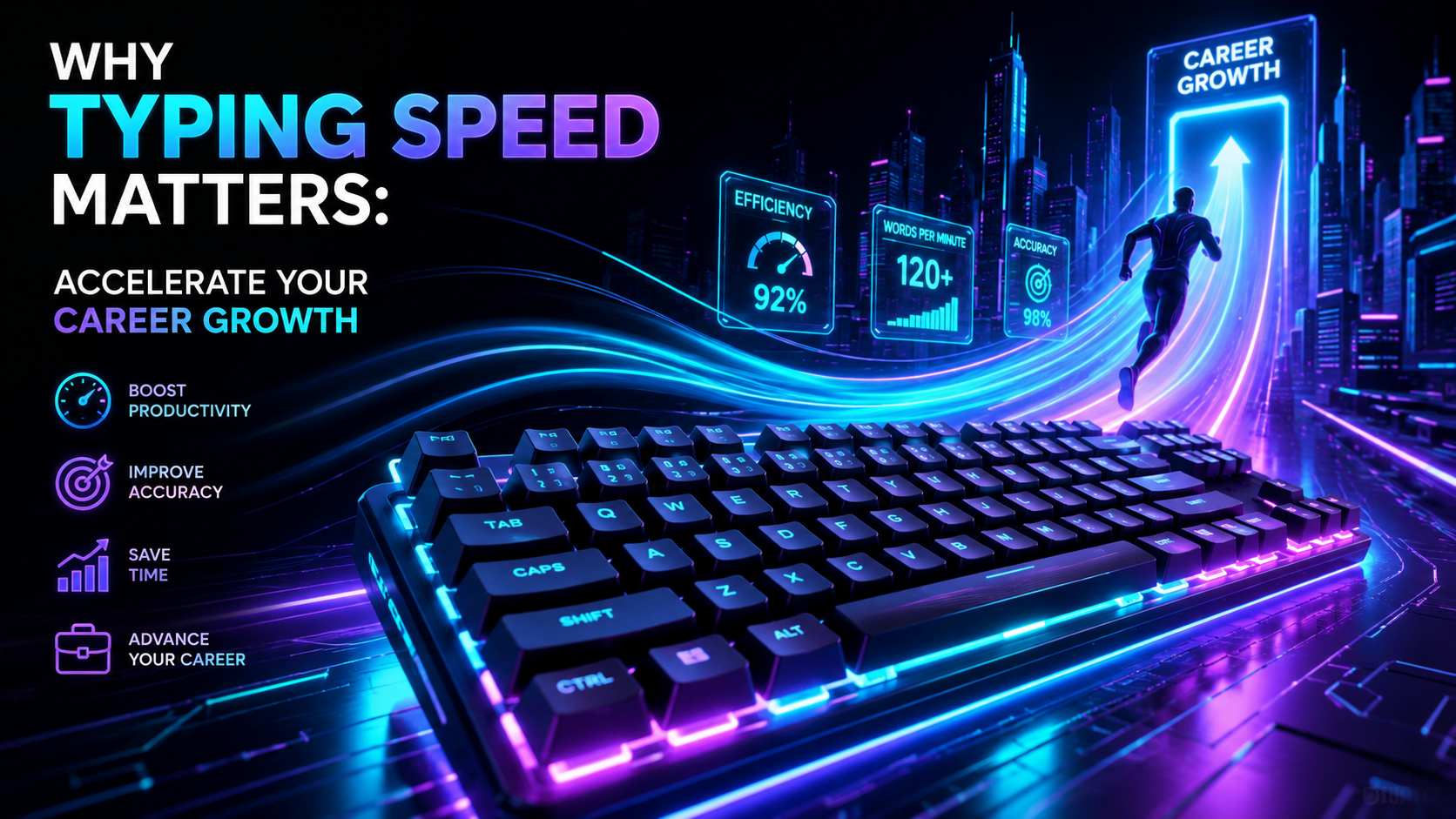
Every professional uses a keyboard daily. Programmers write code, marketers draft campaigns, managers answer messages, and students finish research papers. Yet few people question their input speed. Understanding why typing speed matters is one of the quickest ways to unlock substantial career advantages. When your fingers keep pace with your thoughts, your computer stops feeling like a barrier and starts functioning as a direct extension of your mind.
Most office workers average roughly 40 words per minute (WPM). While 40 WPM feels adequate for casual emails, it creates a persistent friction point in fast-paced workplaces. Slow typing forces your brain to juggle two competing tasks at once: formulating ideas and hunting for keys. By mastering keyboard mechanics, you eliminate this friction, protect your mental energy, and complete high-value work in a fraction of the time.
The Direct Mathematics: How WPM Compounds Your Workday
Let us examine raw numbers. Consider an average knowledge worker who spends three hours per day typing emails, team chat messages, documentation, and code. If that worker types at 40 WPM, they produce roughly 7,200 words during those three hours. If they increase their speed to 80 WPM, producing those same 7,200 words takes only 90 minutes. That yields 90 minutes of recovered focus every single day.
Over a standard 250-day work year, 90 minutes saved per day equals 375 hours of recovered time. That is more than 46 full eight-hour workdays. You can reinvest this recovered time into strategic thinking, learning new programming languages, mastering sales pipelines, or leaving work on time without stress. Speed is not just about moving fingers rapidly; it is about compounding your most valuable asset: time.
| Typing TierSpeed Range (WPM)Time to Type 1,000 WordsAnnual Hours (2,000 Words/Day)Cognitive Friction Level | ||||
| Hunt & Peck | 20 – 35 WPM | 35 – 50 min | 380 – 420 hrs | Severe (constant visual disruption) |
| Casual Keyboardist | 36 – 50 WPM | 20 – 28 min | 240 – 280 hrs | Moderate (periodic pauses) |
| Proficient Touch Typist | 51 – 75 WPM | 13 – 19 min | 160 – 200 hrs | Low (subconscious key location) |
| Advanced Professional | 76 – 95 WPM | 10 – 13 min | 120 – 150 hrs | Minimal (pure thought-to-screen translation) |
| Elite Power User | 96 – 120+ WPM | 8 – 10 min | 80 – 100 hrs | Zero (complete cognitive freedom) |
If you want to know where you currently stand on this chart, take a two-minute benchmark test with the TypingPulse Speed Test. Knowing your baseline is the first step toward systematic improvement.
The Cognitive Science of Why Typing Speed Matters
The deepest reason why typing speed matters involves cognitive science rather than physical agility. Human working memory has strict limits. Cognitive psychologists note that working memory holds only four to seven chunks of information at one time. When you write a complex report or debug a tricky software function, your prefrontal cortex works hard to maintain logical structure, variable names, and syntax.
If you look down at the keyboard to find the semicolon, backslash, or number keys, you trigger an attention shift. Your eyes leave the screen. Your visual processing reorients toward physical key caps. That brief interruption breaks your train of thought. Psychologists call this an attentional tax. While a single glance takes only 300 milliseconds, hundreds of glances per hour drain your mental stamina.
"When physical input becomes automatic, the mind directs all its energy toward creative synthesis and analytical depth."
Touch typing shifts mechanical key selection to the basal ganglia and cerebellum. These brain regions manage procedural muscle memory, much like walking or riding a bicycle. When typing becomes procedural, your conscious mind stays entirely focused on solving problems, crafting persuasive prose, and structuring code.
Why Typing Speed Matters for Rapid Career Advancement
Modern workplaces prize clear communication and execution speed. Whether you work in software engineering, legal research, finance, or customer success, fast typing creates distinct competitive advantages that managers notice immediately.
1. Real-Time Collaboration and Meeting Agility
Remote and hybrid work runs on written communication. During live video meetings, sprint retrospectives, and client calls, team members constantly share notes, troubleshoot bugs, and respond in chat channels. A slow typist struggles to contribute in real time because the conversation moves past them before they finish drafting a response. In contrast, a fast typist drops precise comments, shares references, and captures action items instantly.
2. Faster Software Development Cycles
Engineers often claim that thinking takes 90% of their time and typing takes only 10%. While conceptual thinking is vital, mechanics still matter. Developers who type at 80+ WPM navigate command-line interfaces, refactor functions, and write unit tests without friction. They spend less time wrestling with keystrokes and more time validating business logic. Before writing code, make sure your hardware registers every switch stroke accurately with our Online Keyboard Tester to eliminate key chatter and missed inputs.
3. Effortless First Drafts and Beating Writer's Block
Great writers and business analysts know the hardest part of any project is the blank page. Slow typing intensifies writer's block because thoughts vanish faster than fingers can record them. When you type at 70 to 90 WPM, you capture transient ideas before they fade. You can generate a raw 1,500-word draft in twenty minutes, giving you ample time to refine, edit, and polish your arguments.
4. Reduced Mental Fatigue at the End of the Day
Typing slowly is physically and mentally exhausting. Hunting for keys forces your neck to bob up and down thousands of times each afternoon. Straining to complete routine emails leaves you drained before you even touch high-impact creative tasks. Fast touch typists keep their eyes on the monitor, maintain stable posture, and finish standard administrative work early.
5. Professional Perception and Executive Presence
Speed signals competence and confidence. When you respond promptly with well-structured, error-free messages during crucial project moments, colleagues and clients view you as dependable and sharp. Quick turnarounds establish momentum across projects, positioning you as an indispensable team driver.
The Ergonomic Foundation: Protecting Your Hands and Wrists
Speed without technique leads to physical discomfort. Many self-taught typists rely on two or three fingers per hand. This habit overworks index fingers, forces awkward wrist deviations, and strains forearm tendons. Repetitive strain injury (RSI) and carpal tunnel syndrome often stem from inefficient hand mechanics.
True speed relies on balanced ten-finger touch typing. By assigning specific keys to each finger, you distribute the mechanical load evenly across your hands. Your hands remain relaxed above the home row instead of darting frantically across the keybed.
- Keep wrists neutral: Avoid resting your wrists on hard desk surfaces while actively striking keys. Hover your hands lightly.
- Use light actuation: Modern mechanical and magnetic Hall Effect switches actuate without bottoming out. Press keys gently to reduce joint impact.
- Maintain a 90-degree elbow angle: Position your chair height so your forearms sit parallel to your desk surface.
- Take 60-second micro-breaks: Shake out your fingers and stretch your forearms every thirty minutes of sustained typing.
💡 Pro Tip: Never sacrifice accuracy to chase a higher WPM number. If your accuracy drops below 96%, slow down immediately. Typing at 80 WPM with 90% accuracy actually wastes time because fixing typos and backspacing breaks your rhythm. Aim for 98% accuracy first; velocity will follow naturally.
A Practical 4-Step Roadmap to Double Your Typing Speed
Doubling your typing speed does not require hours of exhausting drills. Consistent, deliberate practice for fifteen minutes a day produces dramatic improvements within eight to twelve weeks. Follow this proven roadmap to upgrade your keyboard skills:
- Anchor Yourself to the Home Row: Place your left fingers on A-S-D-F and your right fingers on J-K-L-;. Feel for the tactile bumps on the F and J keys. Never look down at your hands while typing. If you make a mistake, feel your way back to the home row rather than glancing down.
- Master Key Finger Allocations with Structured Drills: Do not guess which finger hits which key. Work through step-by-step interactive exercises on Typing Academy Lessons to build solid muscle memory for top row numbers, bottom row consonants, and tricky punctuation symbols.
- Engage in Daily Deliberate Practice: Spend ten to fifteen minutes every morning in the Interactive Typing Practice arena. Focus on common English bigrams (like th, er, on, an) and trigrams (like ing, ion, ent). These letter combinations form the building blocks of rapid typing.
- Track and Analyze Your Weak Points: Identify the specific letters and symbols that trigger hesitation. Programmers often slow down on brackets, curly braces, and dollar signs. Target those exact characters with focused repetition until your fingers strike them without hesitation.
Debunking Three Common Myths About Typing Speed
Many professionals hesitate to invest time into keyboard training because of outdated assumptions. Let us dismantle three pervasive myths:
Myth 1: "I think faster than I type anyway, so speed does not matter."
While human thoughts flash quickly, working memory discards unrecorded ideas rapidly. If your typing speed is 35 WPM, your output speed cannot keep up with your internal monologue. You end up trimming sentences, simplifying arguments, or forgetting nuanced details before you finish typing them. A speed of 80+ WPM allows you to capture thoughts in full fidelity.
Myth 2: "Voice-to-text tools will make keyboard typing obsolete."
Speech recognition is useful for quick voice notes, but it fails in shared office spaces, open coffee shops, and quiet libraries. Voice dictation also struggles with code syntax, markdown tags, spreadsheet formulas, and precise technical jargon. Keyboards remain the primary tool for high-precision knowledge work.
Myth 3: "You cannot learn touch typing as an adult."
Neuroplasticity remains active throughout adulthood. Thousands of professionals transition from hunt-and-peck typing to full touch typing in their thirties, forties, and fifties. Your brain builds new motor pathways surprisingly fast when you commit to short, daily deliberate practice sessions.
Frequently Asked Questions About Typing Speed
Here are clear answers to the most common questions professionals ask when working to increase their typing speed and productivity.
Frequently Asked Questions
Key answers regarding touch typing, benchmarks, and techniques
TypingPulse
Typing & Tech Specialist
Written by typing trainers and keyboard specialists dedicated to helping students and developers achieve touch typing mastery, ergonomic comfort, and competitive WPM speeds.